


Your best moments are in your VOD.
We'll find them for you.
Paste a Twitch link or upload a VOD. Come back to clip-ready moments with titles, captions, and thumbnails already written.
Built for short-form
Clips aren't optional.
They're how people find you.
The bottleneck isn't your stream. It's the time it takes to turn it into clips. That's the problem VODcue solves.
of short-form views come from people who've never heard of the creator
more likely to follow after seeing a highlight reel
faster growth for streamers who clip consistently
How it works
Three steps. Twenty seconds of setup.
Paste a Twitch link, drop a Medal clip, or upload a recording.
Pick a tone — funny, punchy, dramatic, educational — and where you post. Takes 20 seconds.
VODcue surfaces the moments and writes every piece of content. Pick what fits. Skip the rest.
Processing runs in the background — close the tab, come back when it's done.
Who it's for
For how streamers actually work
You forgot to clip it. Now you're staring at a 3-hour VOD.
You were in the zone. The moment hit. You didn't clip it. VODcue reads the whole VOD and surfaces the moments — no scrubbing.
TikTok wasn't built for VODs. Your recording was.
If you stream on Twitch or record in Medal, you already have the footage. TikTok gives you no way to find the good parts. VODcue turns your session into a shortlist ready to cut and post.
What you get
From VOD to ready-to-post in one pass
Moments, surfaced first
Energy peaks, quotable lines, strong reactions — flagged automatically. You see the clip angles before you write anything.
All the content in one pass
3 openers. 3 titles. 2 captions. Thumbnail text. Follow prompts. Tuned per platform. One generation.
Sounds like your channel
Pick a tone and a content type. Output reads like you, not a LinkedIn template.
Layout you control
Draw the facecam where you want it.
Your face is what people follow. Draw the box once and VODcue remembers where, so every future clip crops to the same spot.
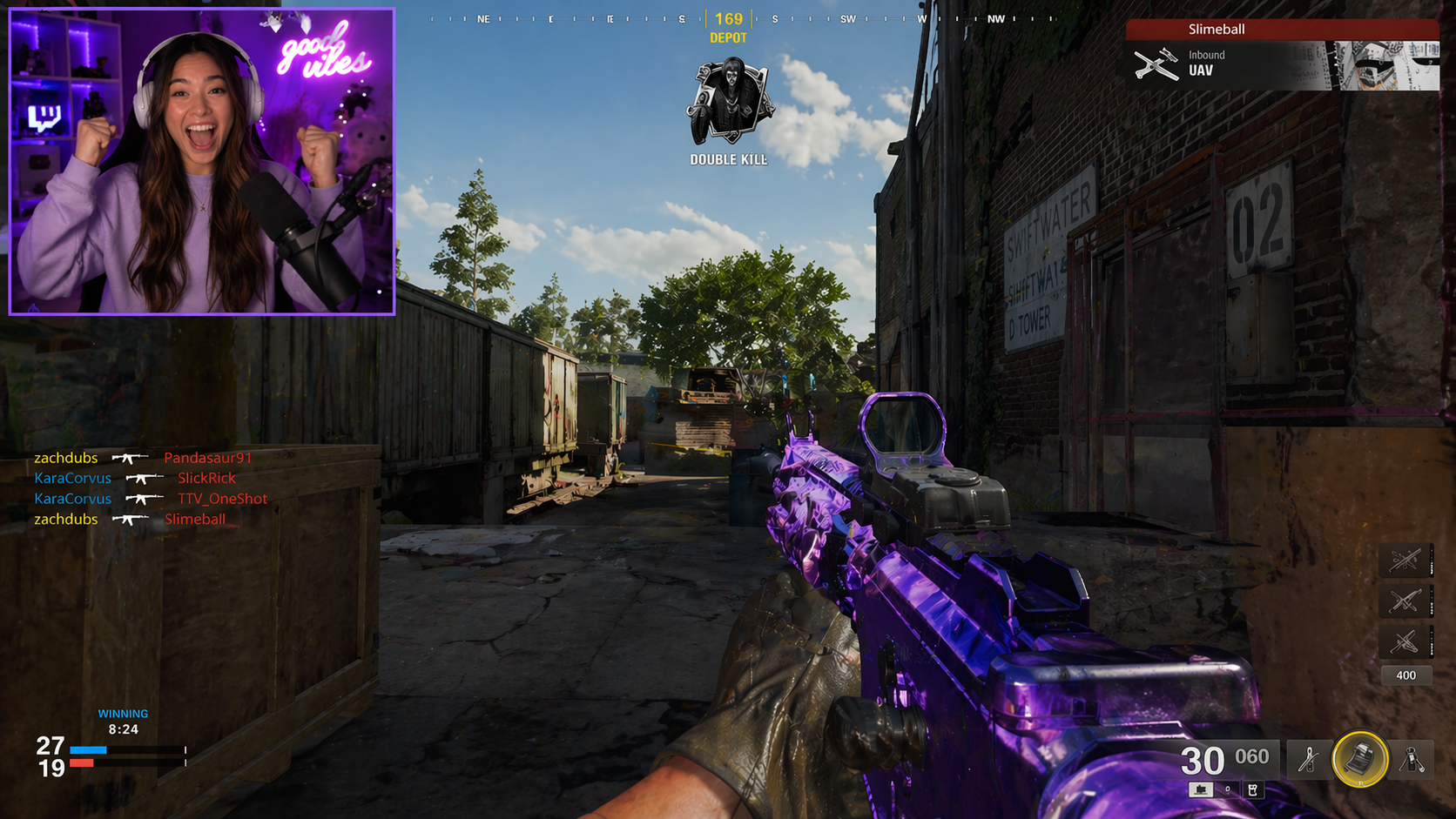
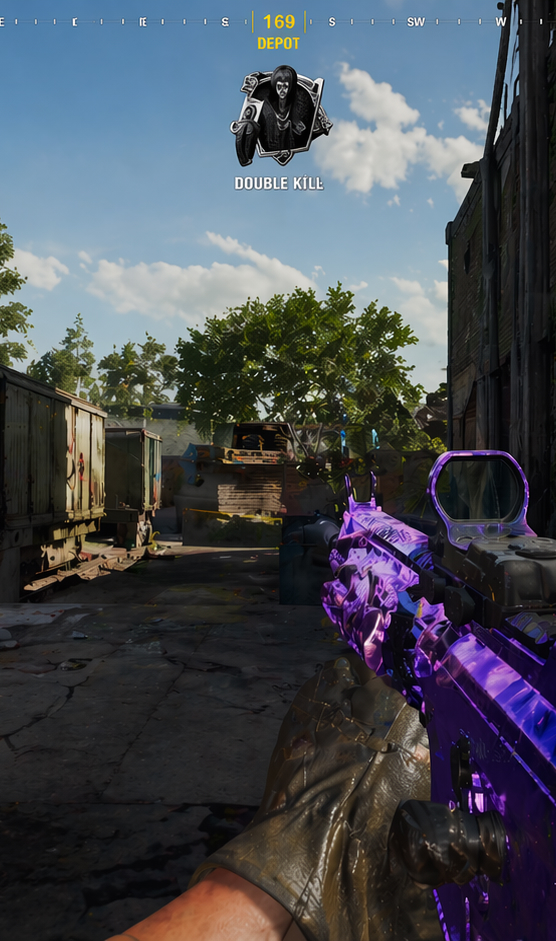
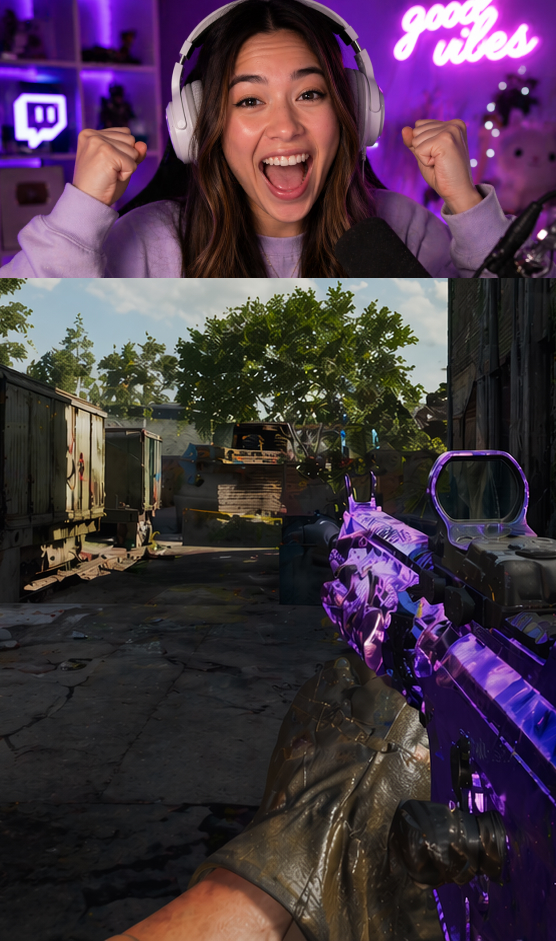
Box your facecam on the VOD · Every clip keeps it in the same spot
Pricing
Start free. Upgrade when it's earning its keep.
Enough to know if the moments it finds are worth posting.
- 5 projects, 30-day history
- Twitch, Kick & Medal URL support
- File upload & transcription
- Hooks, titles, captions & thumbnail copy
- All 4 platforms
- Creator profile
- No card required
For streamers posting consistently. 20 hours a month covers 3–13 streams depending on length.
- 20 hours of VOD processing per month
- Twitch, Kick & Medal URL support
- File upload & transcription
- Projects kept for 90 days
- Copy tuned to your tone — funny, punchy, dramatic, educational
- Cancel anytime
For high-volume creators. 60 hours covers 8–40 streams a month plus batch export tools.
- 60 hours of VOD processing per month
- Everything in Streamer
- Projects kept for 180 days
- CSV moment export for editor handoff
- Cancel anytime